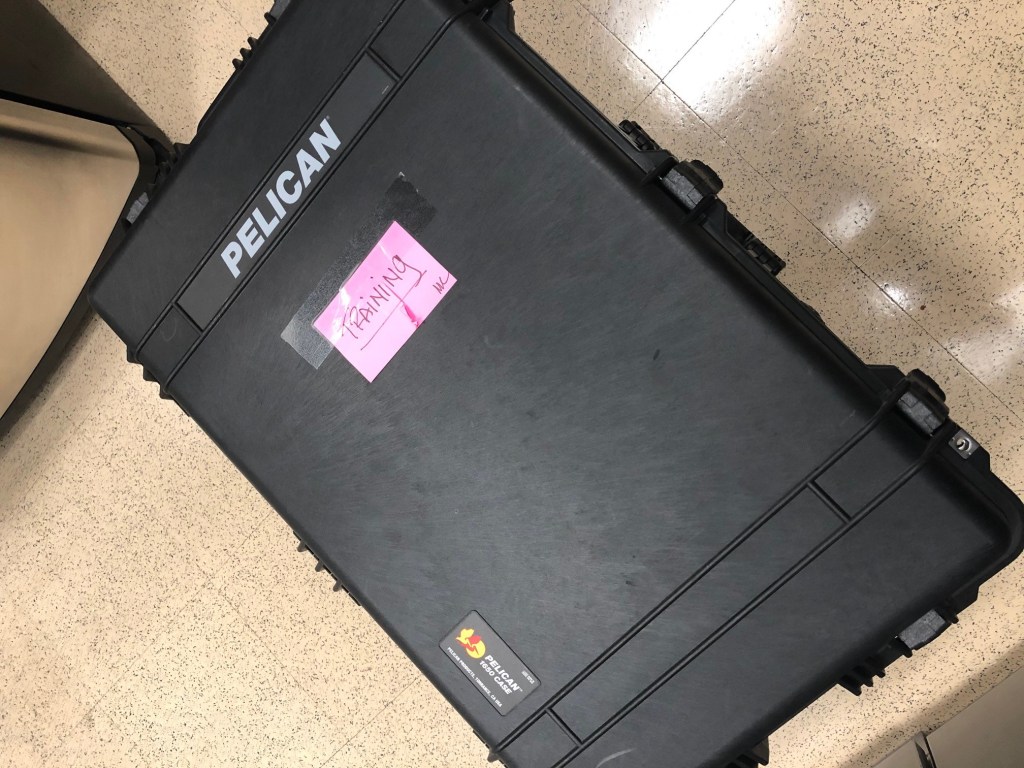
I love going into our office and exploring our kitchen / break room / storage closet when I’m waiting for my coffee to brew. There are so many strange things we’ve held onto for who knows how long. Like today, I just noticed this nice Pelican case sitting behind the refrigerator:
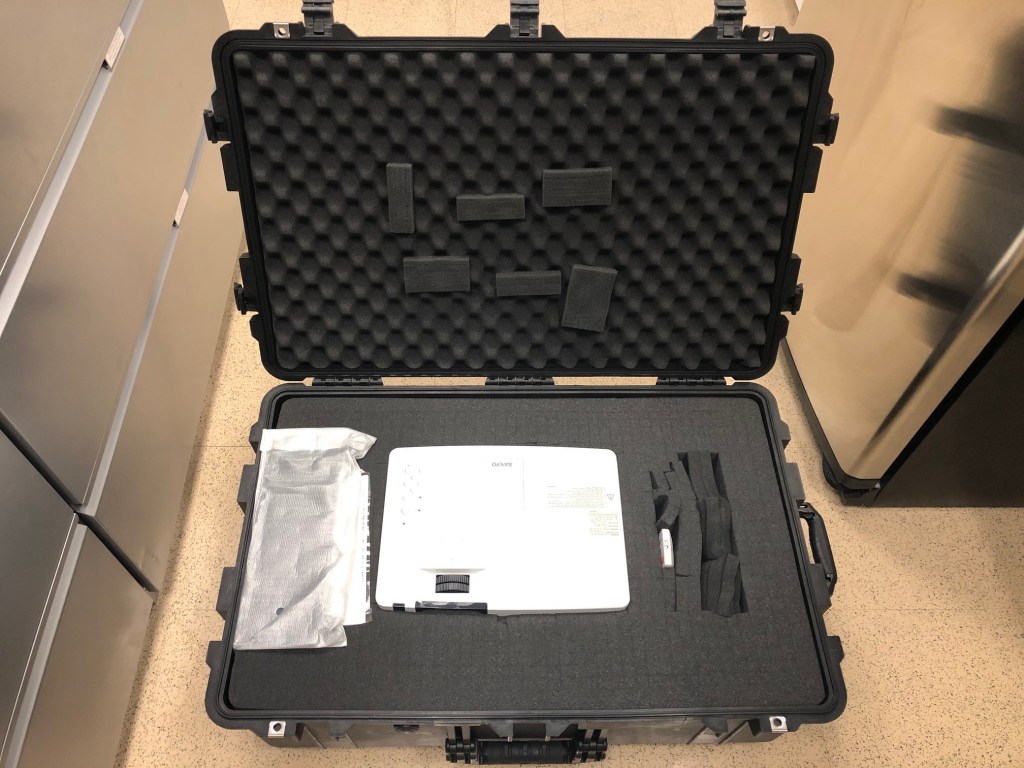
What treasure could we be hiding in such a nice case??
A Sanyo XGA projector?! It’s a $400 case for a $40 projector! I love it! I wonder how long this thing will sit next to the fridge… We should really clean out a lot of this junk we’ve been hoarding.
I’ve been getting better at using Org Capture to keep a work journal (as in, actually remembering to write in it). It was especially useful during Crestron Masters to keep everything organized. Org is a very powerful tool, and I’ve found that working with the parts that are easy to understand, it’s easy to slowly build from there. For me, that’s logging journal entries.
journal.org – This is where I jot down quick ideas or reflect on something. I typically post links to tasks here as I’m working on them.
tasks.org – This is where I track progress on project work. Anything that could potentially have a TODO placed next to it goes here, then I link it into my journal so I remember the context for adding it.
notes.org – This is where I organize study notes on different subjects. It’s also where I’ll write down passwords or secrets if I’m using any type of 3rd party service.
So far this seems to be working well. It would be great if I could write everything in Org and export as needed. This might work well with my developer site, but I don’t know how I would be able to pull in posts and format them correctly in WordPress. There might be plugins that can handle that?
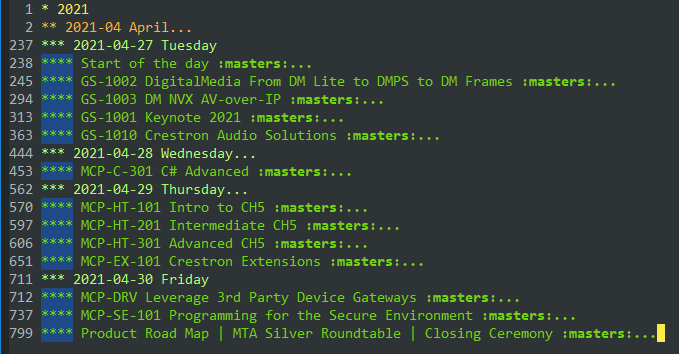
Org has helped me write more (one of my goals for 2020). I’ve been writing in my journal a few times every day since April 16th, 2021, and I’m already up to 16K words (plus another 7K in my notes). Org lets me tag entries too so I can quickly return to them. For example, I put masters on everything from Crestron Masters this year:
C-c / m lets you find tagged entries.
So if you’re looking for a good note-taking system, I’d recommend Org Mode in Emacs.
Back in 2010, I had just started at a new company as a full-time AV programmer. I already had a couple years of AMX programming under my belt, and I’d just started getting the hang of Crestron and SIMPL Windows. Most of our engineering and programming team were East Coast-based but I was the lone West Coast programmer. On top of that, I was brought in with the expectation I would work on new installs as well as handle service calls. That meant I had two people I treated as a boss, and those two people rarely coordinated on my schedule. Anyway, I’m getting off-topic. Let me tell you about the time I almost got fired.
It’s been about a year since the last time I thought about where AV programming is headed. The world was a different place then. COVID-19 has caused the shutting down of shared workplaces, diminishing the need for complicated spaces even further than before. What’s a programmer in the AV industry to do?
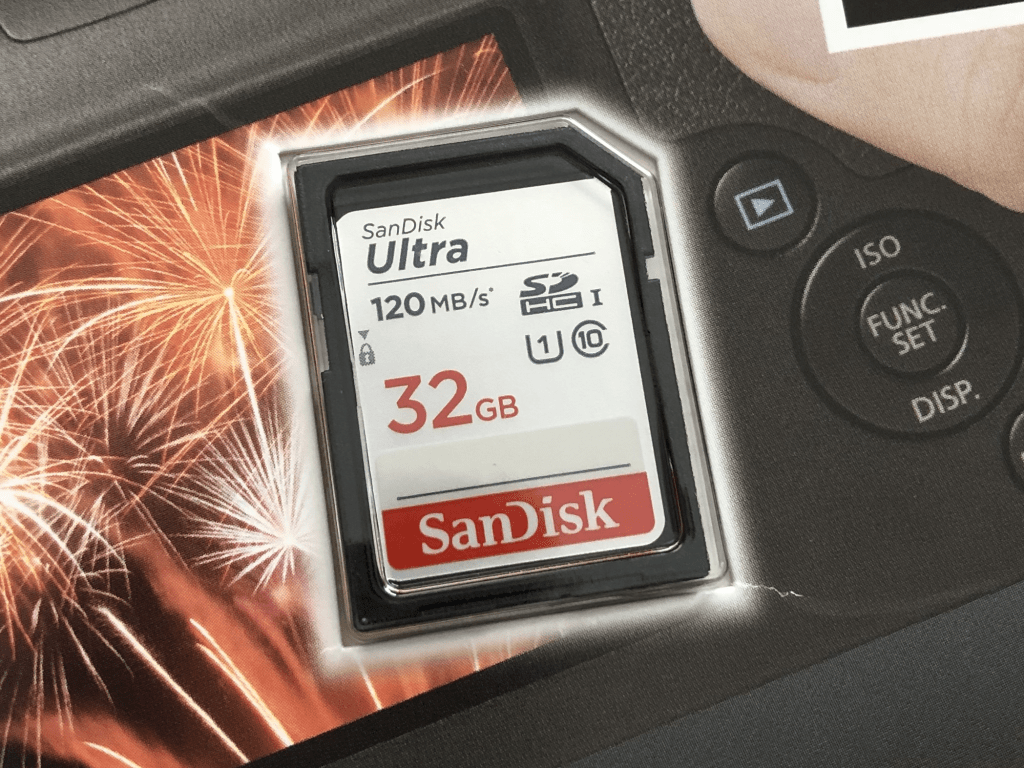
I highly recommend purchasing an external SD card for your Crestron processor. They’re cheap and will increase the lifespan of the flash memory built into the processor. This one was only $10!
You can even setup logging to write to it instead:
> FORMAT
> RMLOGERR ON NOTICE
> RMLOGERR
RMLOGERR status:
    Current Log State is ON
    Current Log Name is /rm/RMLOGS/Crestron_00.log
    Current Size is 262144
    Current Number of files is 1
My employer purchased a CP4 for me to mess around with, and wow is this thing fast! File transfers are at least twice as fast. It’s hard to tell how much quicker it is since the progress window disappears almost immediately. I haven’t thrown any large programs at it yet to see how it handles, but I’m keeping my CP3 racked above it just in case. And then there’s the poor NI-3100 I need but once a year.
Saw another wave of failed MC3 processors while browsing the Crestron forums so I decided I’d better make a backup of my SD card while I still could.
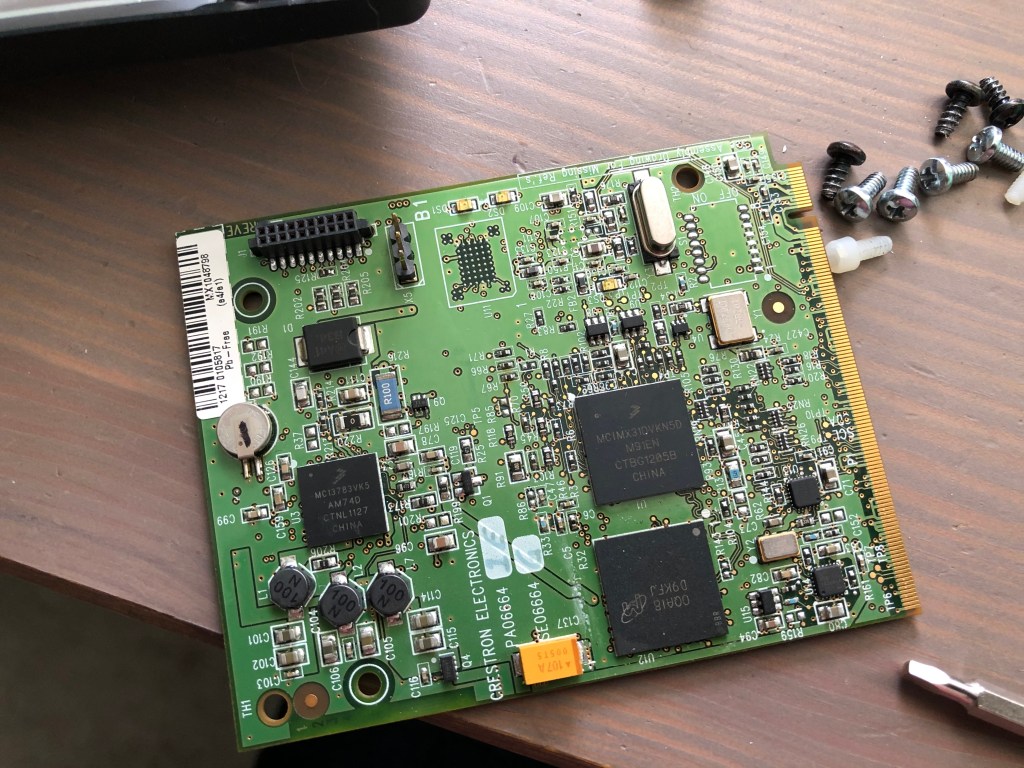
To get the cover off, I had to remove all visible screws from the outside (including the grounding screw). There’s also a lock nut on the RF antenna that had to be removed. The whole board slides out from the rear of the unit.
Once out of the chassis, there are two plastic screws holding a daughter board down. I removed those, then pulled the daughter board out. This exposes the SD card below. I had to slide the SD card to the right to unlock the socket, then I could remove it.
Daughter board removed to expose SD card slot
Using Ubuntu, I made a copy of the SD card and compressed it for storage in my Dropbox:
So fdisk didn’t detect any partition scheme. Maybe it’s just a FAT file system?
$ sudo mount -t vfat -o loop,ro mc3-sd-card.img /mnt
mount: /mnt: wrong fs type, bad option, bad superblock on /dev/loop6, missing codepage or helper program, or other error
$ sudo mount -t auto -o loop,ro mc3-sd-card.img /mnt
mount: /mnt: wrong fs type, bad option, bad superblock on /dev/loop6, missing codepage or helper program, or other error
What’s in this file? Using hexdump, I can page down and find messages about the Windows CE Ethernet Boot loader…
This is the final entry in my series on the future of AV programming. I started writing it over a year ago, but kept putting it down. It’s probably time to just get something out there and move onto the next idea. Getting my thoughts organized on this topic has been difficult because they keep changing. It’s an underwhelming finish, but the road ahead is widening, making it hard to pin down what’s good or bad about where we’re currently at.


 Kiel the Coder