
Lately, it feels like I’ve had a problem making sure my programs are “correct.” I’m hoping if I write about it, I’ll see a pattern that I can fix. It’s frustrating for everyone when bugs slip into commissioned systems, and it reflects badly on custom programming as a whole when these errors aren’t caught before the space is in use. After all, we don’t want to be the cause of the house burning down.
Continue reading “Writing “Correct” Programs”Category: programming
ATEM Mini Pro

Blackmagic Design makes some cool production switchers that are reasonably priced and work great. They even distribute an SDK to control them from Windows or Mac programs. Controlling from Crestron is tougher, but not impossible. Some third-party products have sprung up to make it easier, too. In this post, I’m going to walk through how I wrote a module to perform a couple of functions on the ATEM Mini Pro.
Continue reading “ATEM Mini Pro”HTML5 Cleanup
The last post took me way too long to write (like an entire month), and I think it’s the format of trying to step through every single change, every single time that’s slowing me down. We’re going to be moving into program sizes where that just isn’t going to work. But before we make that jump, I want to do some clean-up on our last program, the Huddle Room.
Continue reading “HTML5 Cleanup”HTML5 Huddle Room
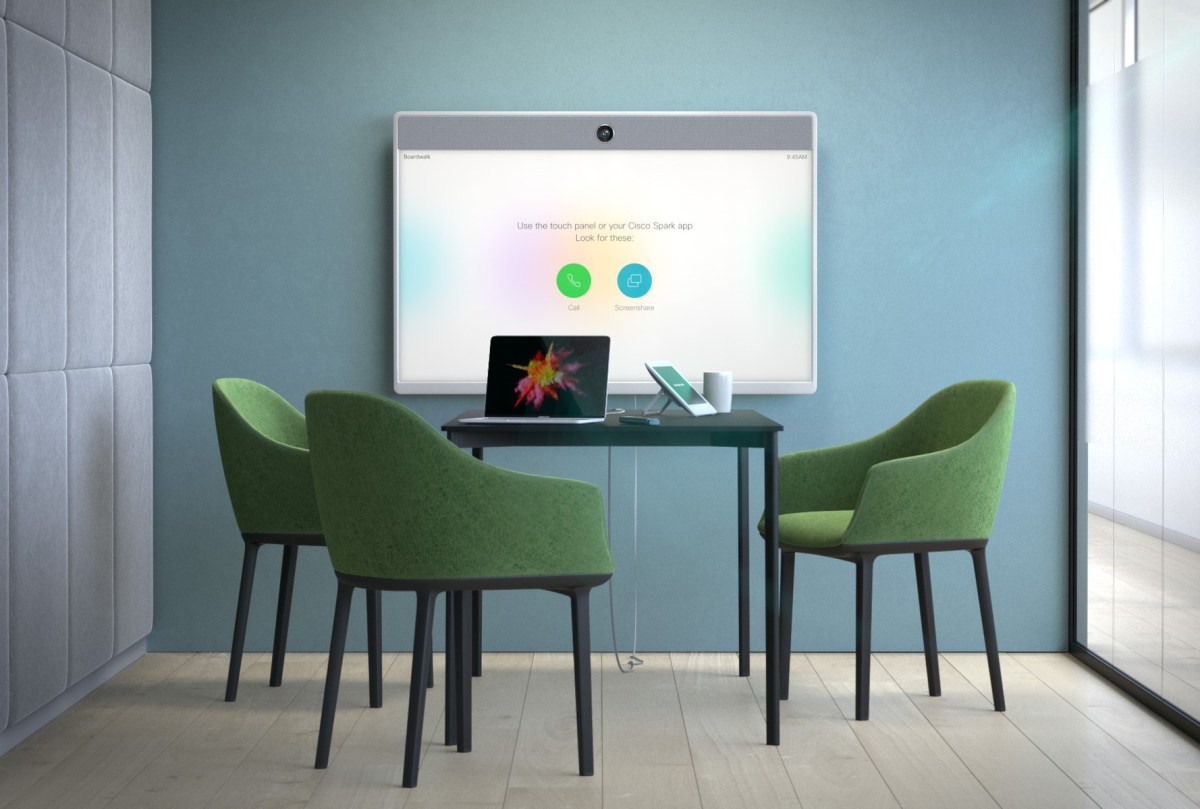
For our first room type, we’re going to program a very simple huddle room. It will focus around a PC-based codec that we won’t control directly. These spaces are typically low-cost and plentiful, but only allow 3 or 4 people to use them.
Continue reading “HTML5 Huddle Room”SIMPL Tricks: 4-series
If you’re starting to get into 4-series projects but you don’t have actual hardware to test with you can load SIMPL programs targeted for 4-series processors to a 3-series. I’d heard the reverse was true: a 3-series programs should run unmodified on a 4-series. But it looks like for testing purposes, you can also run 4-series SIMPL programs on a 3-series.
Of course, your program would need to be written such that it runs on a 3-series and a 4-series. This is different from the 2-series to 3-series transition where the architectures must have been wildly different.
HTML5 + 4-series

We’ve already run into a couple things we need to be mindful of when using HTML5 and 4-series processors (see HTML5 XPanel for details about licensing and authentication). In this post, my goal is to break away from 3-series sandboxes and SIMPL Windows, so that means we’re moving into the realm of C# and Visual Studio 2019.
Continue reading “HTML5 + 4-series”HTML5 + JS

In this post, we’re going to greatly simplify how we create touchpanel layouts: we’re going to ditch the Contract Editor and most of the CH5 components. I do think these tools have value in the right hands, but I want to explore going my own direction. We might reinvent some of their features, but I think it will pay off from the learning aspect. And we’ll know how our program works, inside and out.
Continue reading “HTML5 + JS”HTML5 XPanel

At long last, Crestron has an updated XPanel that doesn’t rely on Adobe Flash! Unfortunately, there are some issues surrounding it regarding the licensing, but there is a free 60-day trial period that should hopefully get us through this series of posts!
Continue reading “HTML5 XPanel”Contract Editor
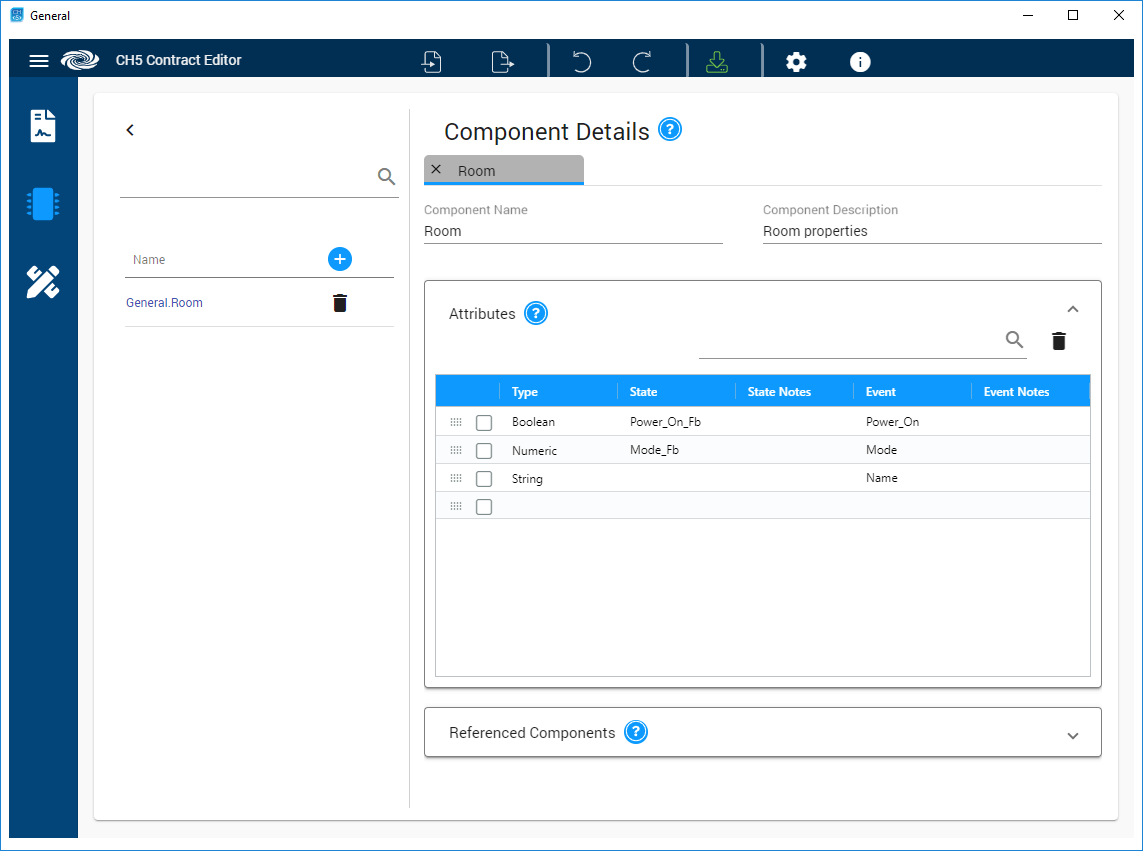
The Contract Editor is a tool released by Crestron to put an end to arbitrary join numbers. Of course, there’s NO documentation, so figuring it out is left up to us!
Continue reading “Contract Editor”Create an HTML5 Layout

Earlier this year I experimented with Crestron’s HTML5 offering (dubbed CH5) and felt several pieces were lacking:
- Decent looking components
- Documentation
- Ability to test using an XPanel
Now that we’re well past Masters 2021, my hopes of a clear understanding of the CH5 framework still unfulfilled, I think it’s time to revisit this topic.
Continue reading “Create an HTML5 Layout” Kiel the Coder